Skip to content
Better Report
  • Home
  • Health
  • Wealth
Your iPhone Lock Button Has a Secret Feature

  • Search
  • Subscribe
  • Home
  • Health
  • Wealth
  • About
  • Privacy Policy
  • Terms of Use
  • Contact Us
  • SubscribeSubscribe
  • Search
Thank you for confirming your email! Welcome to the community.
Advertisement

Your iPhone Lock Button Has a Secret Feature
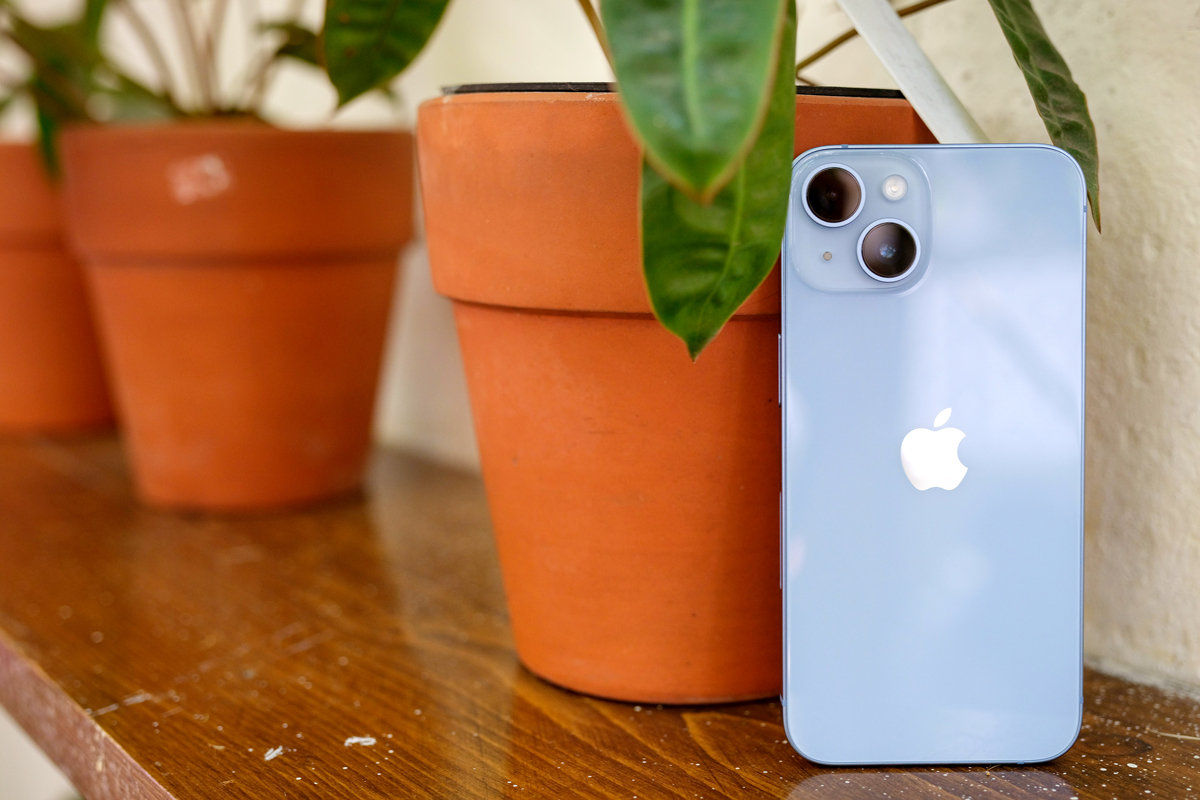
Home | Updated: March 13, 2024
Bennett Kleinman
Author
Bennett Kleinman is a New York City-based staff writer for Inbox Studio. He is also a freelance comedy writer, devoted New York Yankees and New Jersey Devils fan, and thinks plain seltzer is the best drink ever invented.
Better Report

iPhones have changed our lives in ways we could never have predicted. We depend on our phones, and everything from scheduling to entertainment is constantly at our fingertips. But even as smartphones get smarter, there still exist lesser-known tricks and shortcuts that can enhance your experience even further. Even the most devoted iPhone loyalist may not know their device’s full capabilities. And there is one button we use all the time that does so much more than meets the eye: the lock button. 
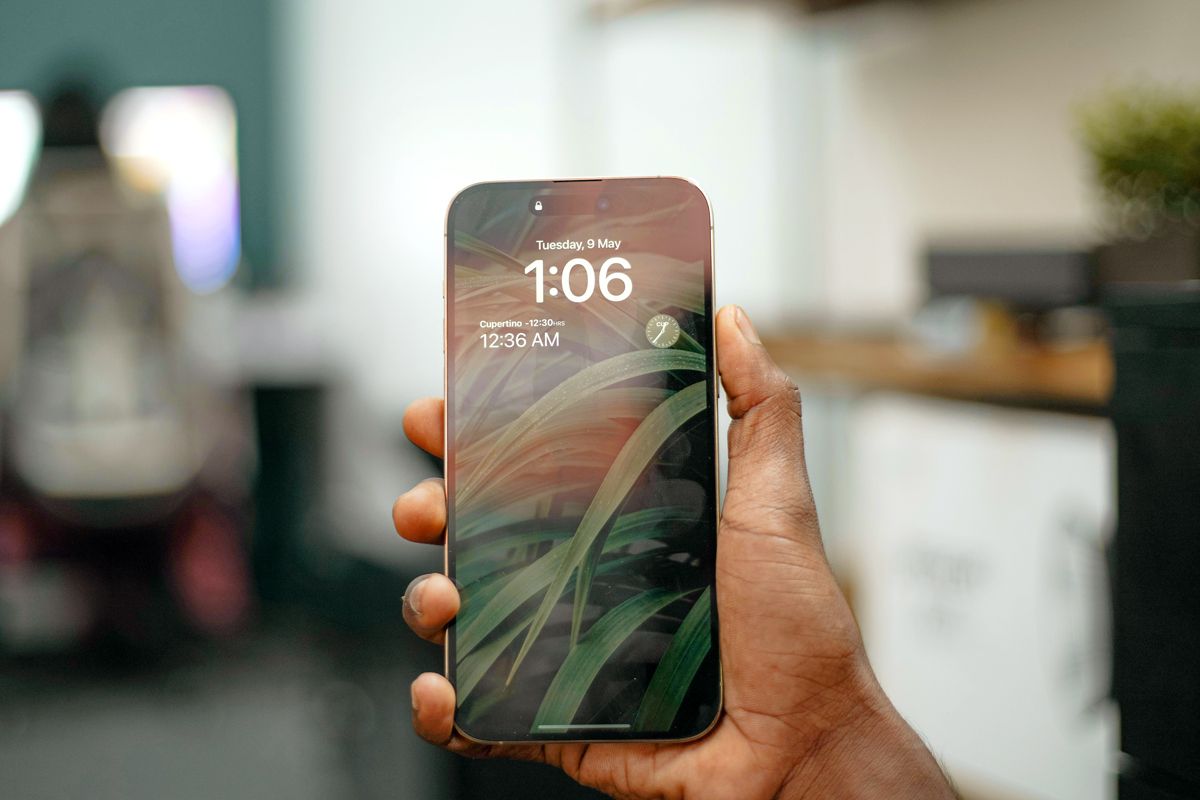
An image of a hand holding an iphone
Credit: Amjith S/ Unsplash

Use the Lock Button to Access Accessibility Shortcuts

iPhones have around 15 accessibility shortcuts, including color filters, detection mode, live captions, and zoom, which you can employ via the lock button. These features help make the phone more straightforward to use based on your preferences and also help make the phone more accessible for people with disabilities. To active this feature: 

1. Open the Settings app

2. Select Accessibility

Advertisement

3. Scroll down to Accessibility Shortcut

4. Enable as many shortcuts as you’d like

5. Triple-click the lock button to activate

Whenever you want to access your shortcuts, quickly press the lock button three times to open.
Advertisement
Advertisement
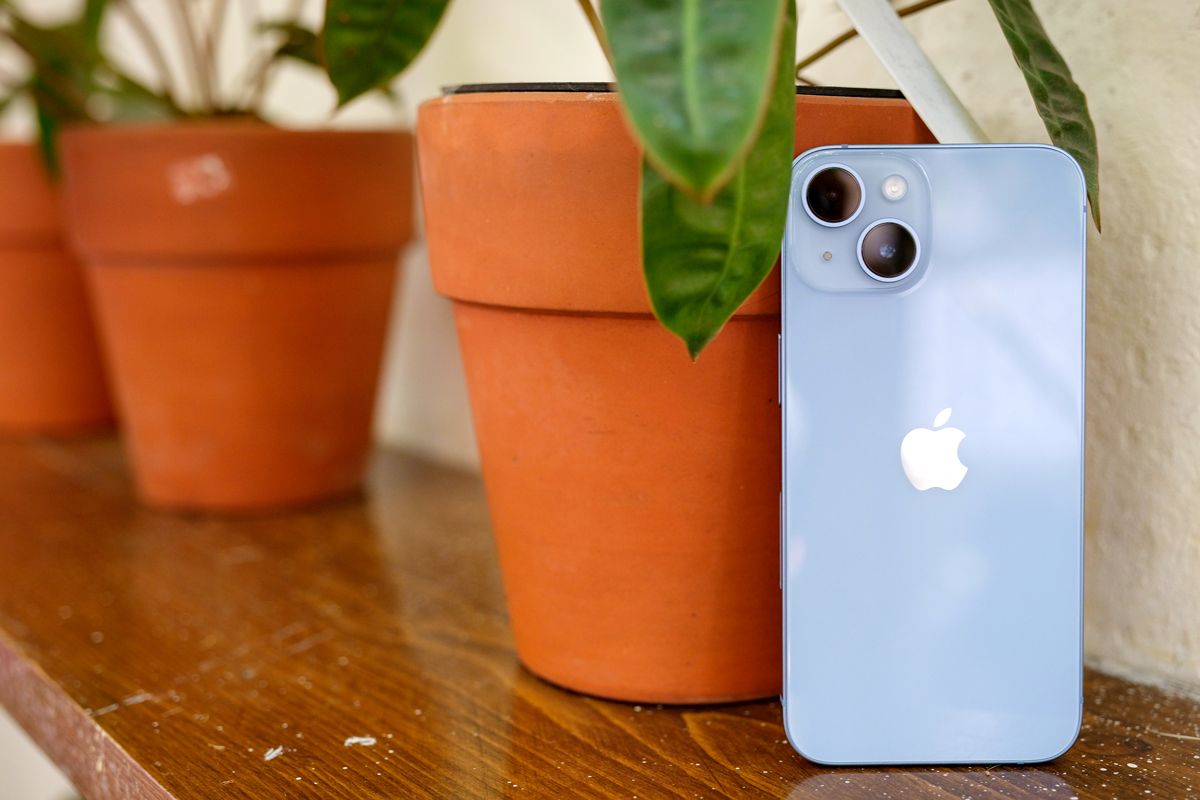
An image of a light blue iPhone resting against a potted plant
Credit: Thai Nguyen/ Unsplash

Shortcuts for Motor Impairments

Day-to-day use of your cell phone may require awkward or difficult movements. Use these shortcuts for alternative ways of interacting with your device.

Advertisement

• AssistiveTouch: Replaces swiping motions with simple taps. 

• Switch Control: Allows users to interact with their phone using head movements or voice. 

• Full Keyboard Access: Connects with a Bluetooth keyboard to make typing easier.

An image of a woman holding AirPods
Credit: ljubaphoto/ iStock

Shortcuts for Sound

Exercise a greater level of control over your sound through these shortcuts. 

Advertisement

• Background Sounds: Produces calming background noises to help with concentration. 

• Left/Right Balance: Controls the sound slider for headphones.

Recommended Articles

  • 9 Items in Your Basement You Should Toss Right Now

  • The 10 Healthiest Trader Joe’s Meals, According to a Dietitian

  • 5 Vegetables You Should Never Store in the Fridge

  • Is It Rude To Ask for Leftovers at Fancy Restaurants?

Advertisement
Advertisement

Reader Favorites

  • Woman looking in fridge

    9 Foods You Should Toss ASAP if They’re Expired

  • Popcorn in a bowl

    7 ‘Bad’ Foods That Are Actually Good for You

  • Cherry angioma

    Are the Tiny Red Dots on Your Skin Dangerous?

An image of an iPhone on the floor
Credit: Saad Jameel/ Unsplash

Shortcuts for Visual Impairments

Whether you need improved accessibility for visual impairments or are seeking a solution for eye strain, activate these shortcuts to make your iPhone more vision-friendly.

• Classic Invert: Transposes the colors on the screen. 

• Smart Invert: Performs the same functions as Classic Invert for everything except photos and media.

Advertisement

• Color Filters: Filters certain tones. 

• Reduce White Point: Lessens color intensity.

• Increase Contrast: Increases contrast between text and background. 

• Reduce Transparency: Lessens blur.

Advertisement

• Control Nearby Devices: Controls devices connected to your phone. 

• Magnifier and Zoom: Enlarges small text. 

• Reduce Motion: Disables excessive animation and helps save battery power.

An image of an iPhone with a map on the screen
Credit: CardMapr.nl/ Unsplash

Voice-Related Shortcuts

Use these features to make your device voice command-friendly.

Advertisement

• Voice Control: Lets iPhone users speak commands rather than type them. 

• VoiceOver: Communicates any text out loud. 

• Live Captions: Turns sound from videos or phone calls into easy-to-read captions.

Featured Image Credit: Thai Nguyen/ Unsplash

More From Our Network

Better Report is part of Inbox Studio, an email-first media company. *Indicates a third-party property.

Go Retro With This 1960s Fashion Quiz

Quiz Daily

Go Retro With This 1960s Fashion Quiz

True or False: Are You a Master of U.S. Geography?

Travel Quiz

True or False: Are You a Master of U.S. Geography?

5 Reasons You Can Be Denied Boarding an Airplane

Daily Passport

5 Reasons You Can Be Denied Boarding an Airplane

What Did People Do Before Eyeglasses?

History Facts

What Did People Do Before Eyeglasses?

How To Use a Balloon To Clean Up Dust

House Outlook

How To Use a Balloon To Clean Up Dust

11 Shopping Hacks Costco Members Should Know

FinanceBuzz*

11 Shopping Hacks Costco Members Should Know

Share this article

  • Share to Facebook
  • Share to Twitter
  • Copy Url
  • Share to Email
Bennett Kleinman
Staff Writer

Bennett Kleinman is a New York City-based staff writer for Inbox Studio. He is also a freelance comedy writer, devoted New York Yankees and New Jersey Devils fan, and thinks plain seltzer is the best drink ever invented.

This article is for general informational purposes only.
Affiliate Disclaimer Medical Disclaimer Financial Disclaimer


Updated: July 20, 2023
Posted In: Home
Hero Image Credit: Better Report
Advertisement

Related Articles

9 Items in Your Basement You Should Toss Right Now

5 min read

5 Vegetables You Should Never Store in the Fridge

3 min read

Why a Flashing Check Engine Light Is Different From a Solid One

3 min read

Why Does Your Sink Have a Tiny Hole?

3 min read

Is Hard Water Ruining Your Clothes?

3 min read
Advertisement
  • Home
  • Health
  • Wealth
  • Logo
  • Advertise
  • About
  • Contact Us
  • Privacy Policy
  • Terms of Use
  • Your Privacy Choices
x
Thumb Image

Elevate your everyday.

Sign up to receive the practical tips and expert advice you need to pare down the complexities of everyday living right in your inbox.

Sorry, your email address is not valid. Please try again.

Your email is:

Edit Image
Sorry, your email address is not valid. Please try again.
Thank you for subscribing...

By subscribing you are agreeing to our Terms of Use and Privacy Policy.

Close image
Thumb Image
Second Thumb Image

Elevate your everyday.

Sign up to receive the practical tips and expert advice you need to pare down the complexities of everyday living right in your inbox.

Sorry, your email address is not valid. Please try again.

By subscribing you are agreeing to our Privacy Policy and Terms of Use.

Close image