6 Amazon Prime Day Hacks

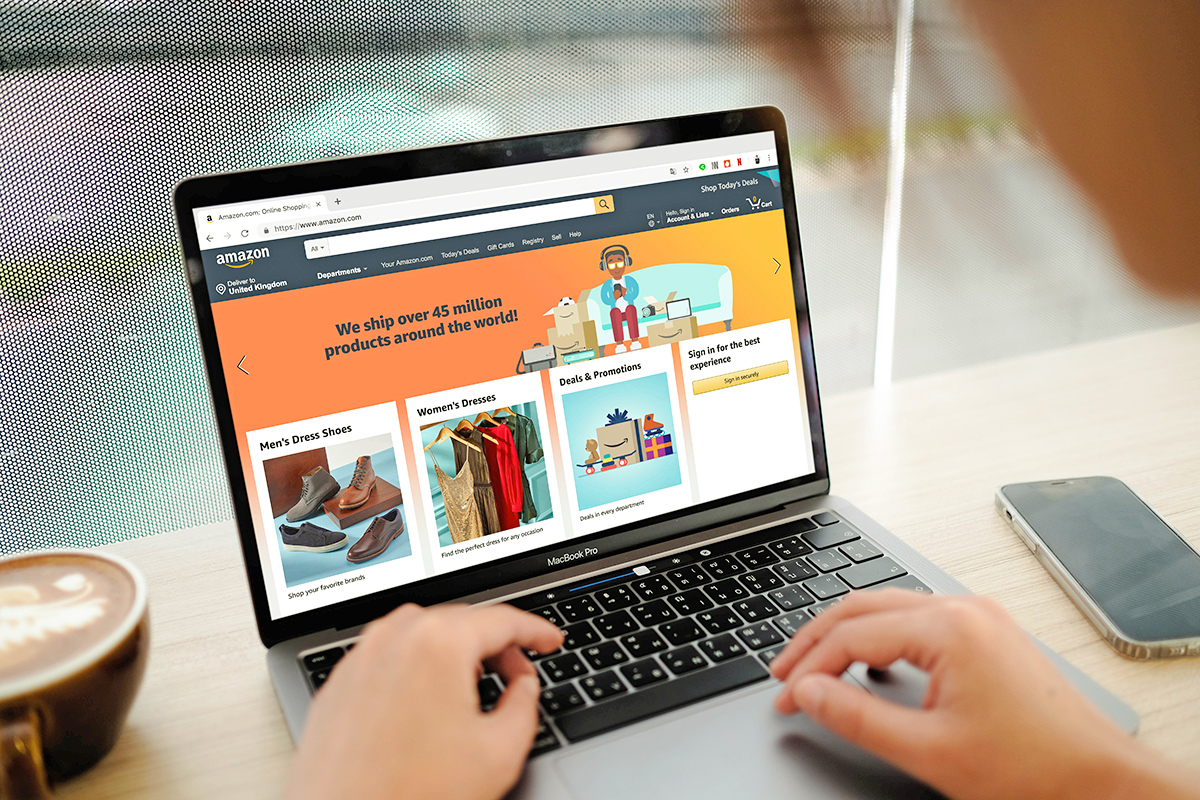
Amazon Prime Day is designed to make you shop. The limited-time deals, countdown clocks, and barrage of discounts can make it feel like everything is a bargain — and like you’d better buy now before what you have your eye on is gone.
But just because Amazon says you’re getting a deal doesn’t always mean you’re getting a good deal. A little preparation can help you separate the true bargains from the carefully marketed ones, avoid impulse purchases, and get more out of the discounts that are actually worth your money.
Officially, Prime Day is for Prime members only, but here’s a bonus tip: If you’re not already a Prime subscriber (and haven’t been one in the past), you can take advantage of Prime Day sales without committing to a yearlong membership by signing up for a free 30-day trial. That will give you plenty of time to access Prime Day deals, along with all the other Prime perks (we’ve rounded up 15 of the best of them here). Just set a reminder to cancel before the trial ends if you don’t want to keep the membership.
Here are the Prime Day hacks worth knowing before you start shopping.
Add Items to Your Cart Before Prime Day
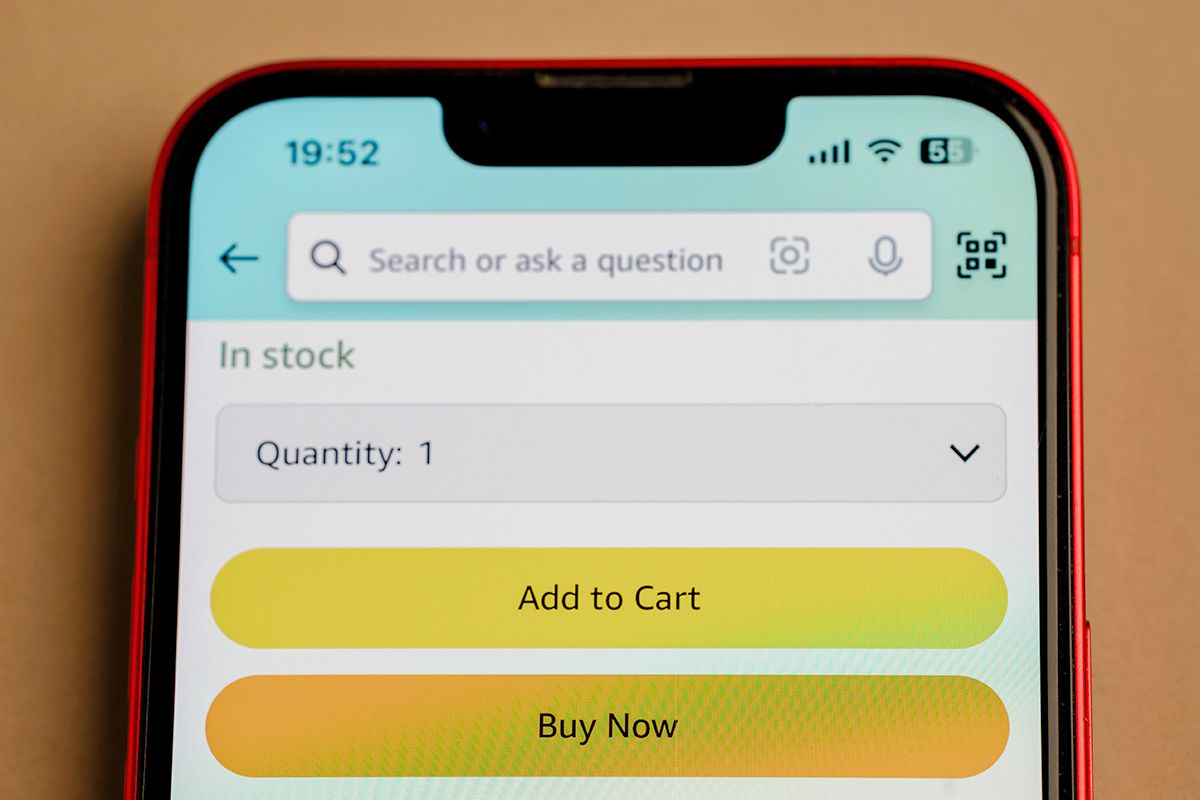
Prime Day is a terrible time to start figuring out what you actually want to buy. Instead, do your homework beforehand. Add the products you’re considering to your Amazon cart — or save them for later — so you have a ready-made shopping list when the sale begins.
This gives you a baseline for what the items cost before Prime Day and makes it easier to spot meaningful price drops once the deals start popping up. It can also save you from making an impulse purchase simply because Amazon tells you something is on sale for a limited time.
Don’t assume that putting something in your cart locks in its current price, though. Amazon prices can change at any time, so think of your cart as a watchlist, not a reservation.
Recommended Articles

Reader Favorites



Use a Tracker To Confirm the Discount Is Real
A big discount is only a good deal if the price was actually high to begin with. Before you click “buy,” check what the item has cost over time to determine whether you’re getting a genuine bargain.
Amazon recently rolled out a feature that allows users to look at 365 days of price history, but you can also use a tool like CamelCamelCamel, which tracks Amazon’s prices and lets you see an item’s lowest recorded price, average price, and price fluctuations over time. There are also browser extensions, such as Keepa, which displays an item’s price history right on the Amazon product page. Both tools can alert you when an item drops to a price you’ve specified. Or you may want to consider Amazon’s Auto Buy feature, which will allow you to automatically buy items that have dropped to (or below) a price you’ve chosen.
Remember, though, that a Prime Day badge doesn’t automatically make Amazon the cheapest place to buy. So if you’re contemplating a big purchase, such as an appliance or a computer, it also makes sense to check the price of the same product on the manufacturer’s site and big-box retailers like Walmart, Target, or Best Buy.
Download the Amazon App
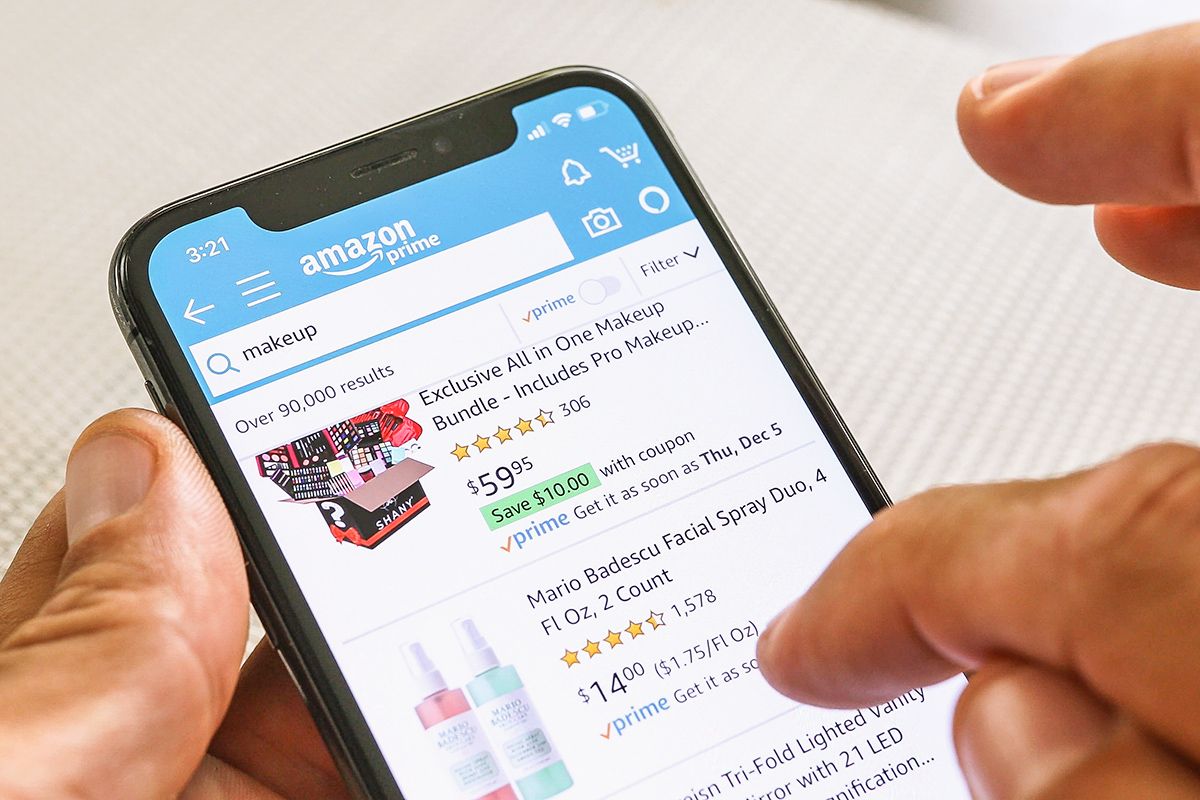
If you’re serious about catching the best Prime Day deals, the Amazon app can give you a slight advantage. Its biggest benefit during a major sale is that it can alert you when products you’re watching go on sale, so you don’t have to keep checking the site yourself.
That can be particularly useful for Lightning Deals, which are available for a limited time and may sell out quickly. The app can also alert Prime members to upcoming deals, giving you a chance to decide whether something is worth buying before the clock starts ticking. Just make sure your notifications are turned on so you don’t miss them.
The app can even send personalized deal alerts based on your shopping activity, including products you’ve searched for or added to your lists. In other words, instead of scrolling through Amazon’s endless Prime Day offerings, you can let the app tell you when something you actually want goes on sale.

Get on the Waitlist
There are downsides to Lightning Deals: They’re available for only a short period of time, quantities are usually limited, and the clock is always ticking. If you find a deal you want after it has sold out, however, don’t necessarily give up. Some Lightning Deals offer a waitlist that lets you join the queue for a chance to buy the item if another shopper doesn’t complete their purchase.
If a spot opens up, Amazon can notify you and give you a limited amount of time to check out. There’s no guarantee you’ll get the item, and not every sold-out Lightning Deal has a waitlist, but it can be worth joining when the option appears.
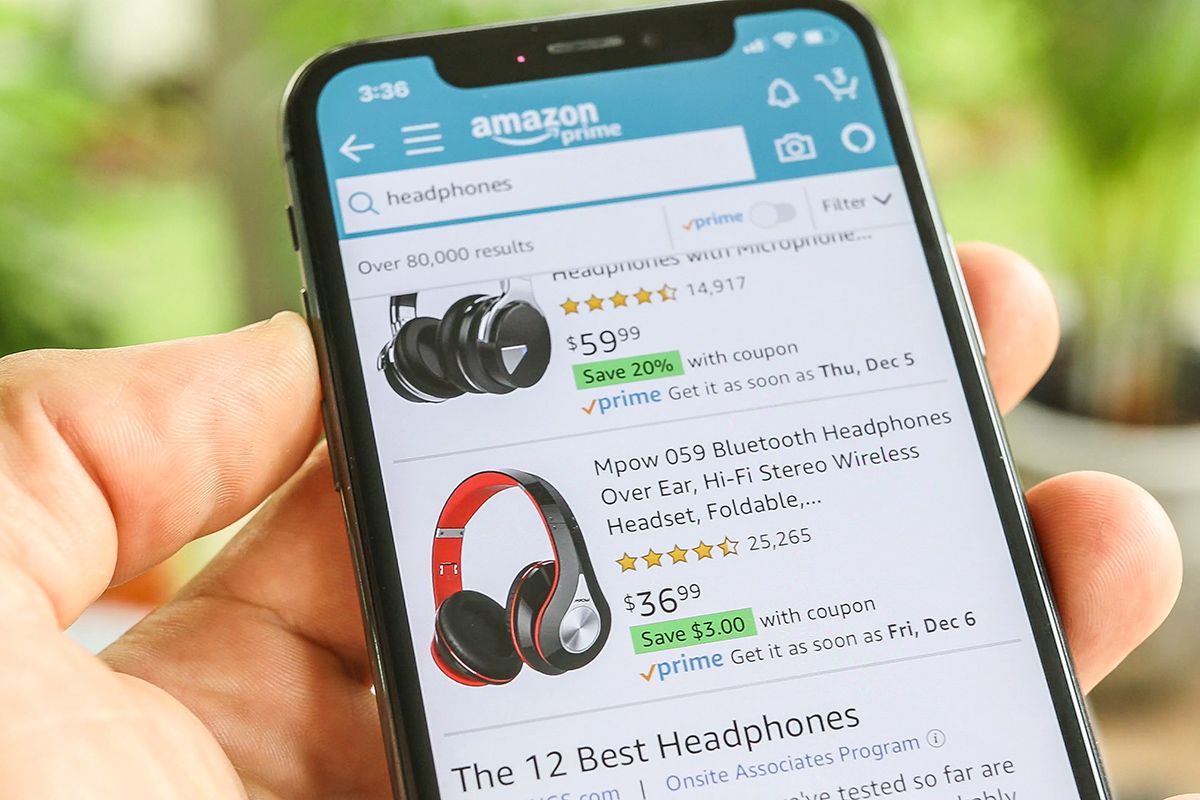
Don’t Forget the Coupon Box
Amazon’s coupons are easy to overlook because they’re often tucked into the product listing rather than prominently advertised with the main deal price. Before you check out, look for a box offering something like “Apply $20 coupon” or “Save 10%” and click it to activate the discount.
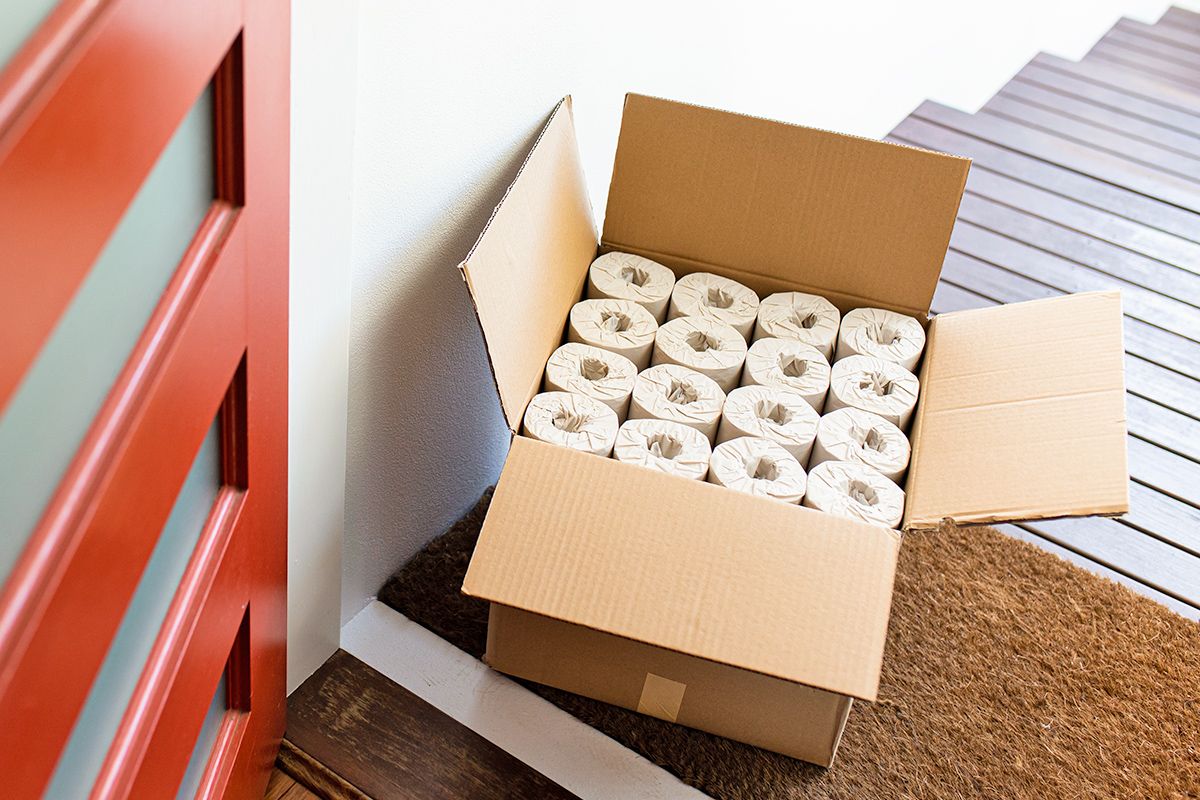
Check Your Past Purchases
Prime Day isn’t just an opportunity to buy something new. It’s also a good excuse to check whether the things you already buy regularly are on sale.
Go to “Accounts & Lists,” then “Buy Again” to see your previous purchases. Look for household staples such as pet supplies, toiletries, cleaning products, filters, batteries, and other items you know you’ll need eventually. Amazon sometimes offers targeted discounts to repeat customers, so you may find a deal waiting on something you were going to buy anyway.
Featured Image Credit: © Thaspol/stock.adobe.com
More From Our Network
Better Report is part of Inbox Studio, an email-first media company. *Indicates a third-party property.






Jennifer M. Wood has been writing about news, entertainment, culture, and travel for longer than she cares to admit. She lives just outside Philadelphia with her husband and an ever-growing menagerie of rescue pets.
This article is for general informational purposes only.
Affiliate Disclaimer Medical Disclaimer Financial Disclaimer