Tips and Tools for Cleaning Your Keyboard


All featured products and deals are selected independently and objectively by the author. Better Report may receive a share of sales via affiliate links in content.
One item in my home that I touch every day, without fail, is my keyboard. Whether for work or leisure, I’m constantly typing away on my laptop or desktop. That means I’m transferring whatever is on my hands to the top of the keys as crumbs and dust accumulate underneath. You know to keep your bathroom and kitchen tidy, but it’s also necessary to be extra-attentive to cleaning and disinfecting a keyboard.
For mechanical keyboards, there are multi-part cleaning kits available, as you can remove all the keys and clean it from the inside out. However, many of us also have simple laptops with flat keyboards and it’s still important to clean them too even though you can’t remove the keys. Most importantly, avoid using liquid cleaners or aerosol sprays directly on your keyboard. If you thought dirt and grime was annoying, you don’t want to deal with liquid damage. Before we get started, make sure you turn off your laptop or unplug your keyboard.
Prices are accurate as of February 14, 2025. Subject to change.
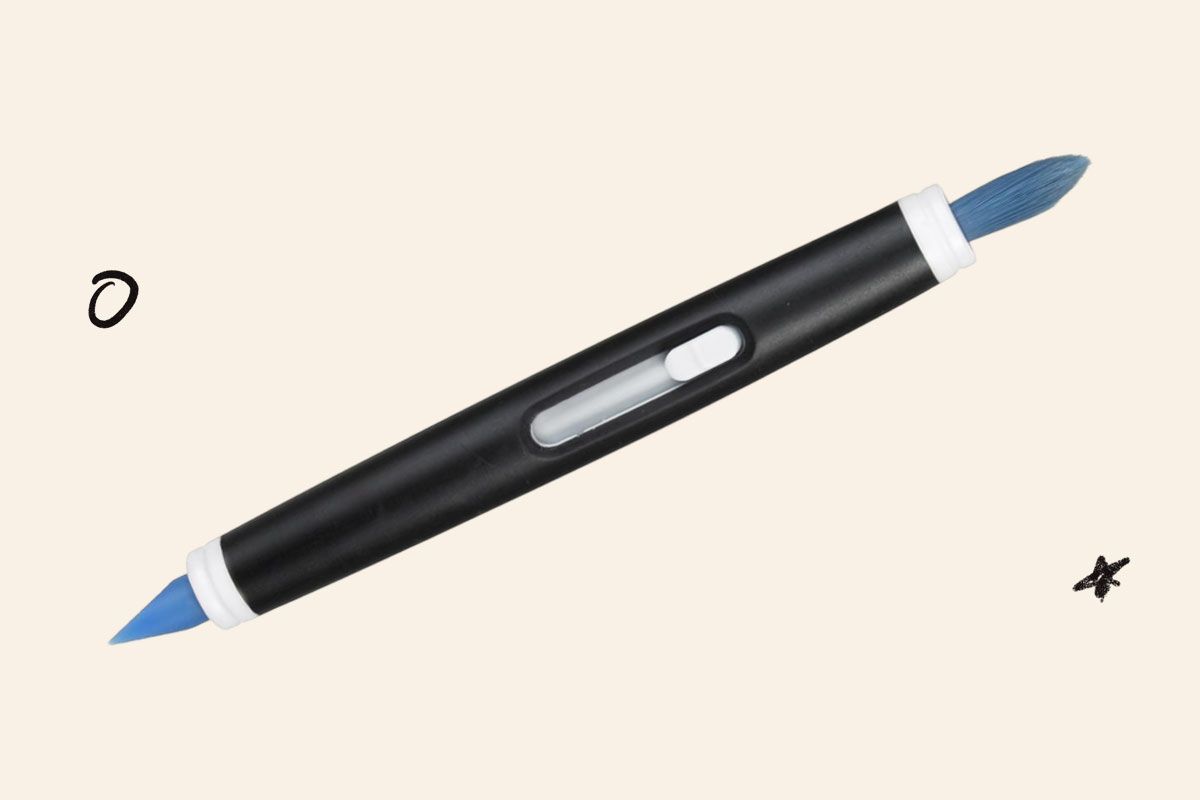
OXO Good Grips cleaning brush for electronics
This two-sided brush is a great tool for getting into all the nooks and crannies. The bristle side of the brush is perfect for cleaning up dust between keys, while the silicone nib side really gets into the smaller cracks and crevices. It’s meant to be used for all electronics, so you can also use the silicone tip to clean earwax buildup in your headphones. You’ll just want to wipe it clean before using it to clean your keyboard again.
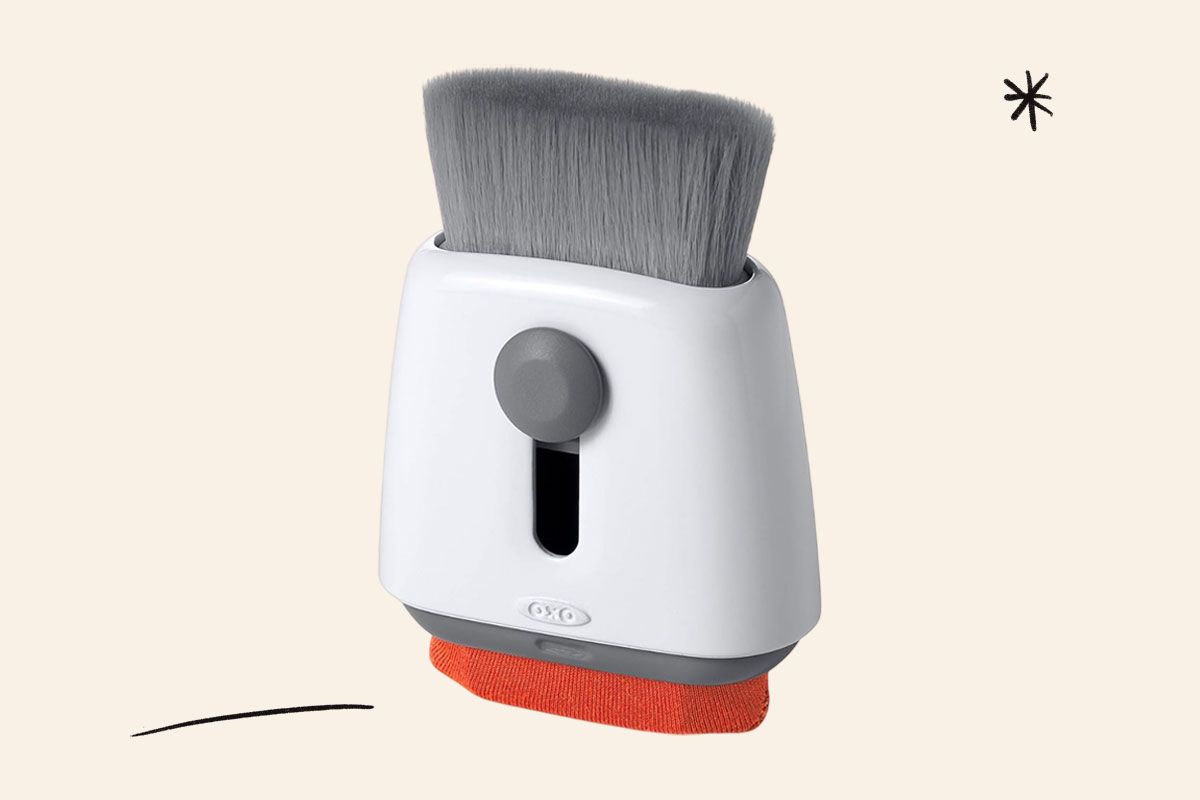
OXO Good Grips Sweep & Swipe Laptop Cleaner
This is another two-sided brush option for clearing away dust quickly. The wide brush clears dust from keys in a few swipes, while the microfiber side works for removing smudges from your screens.
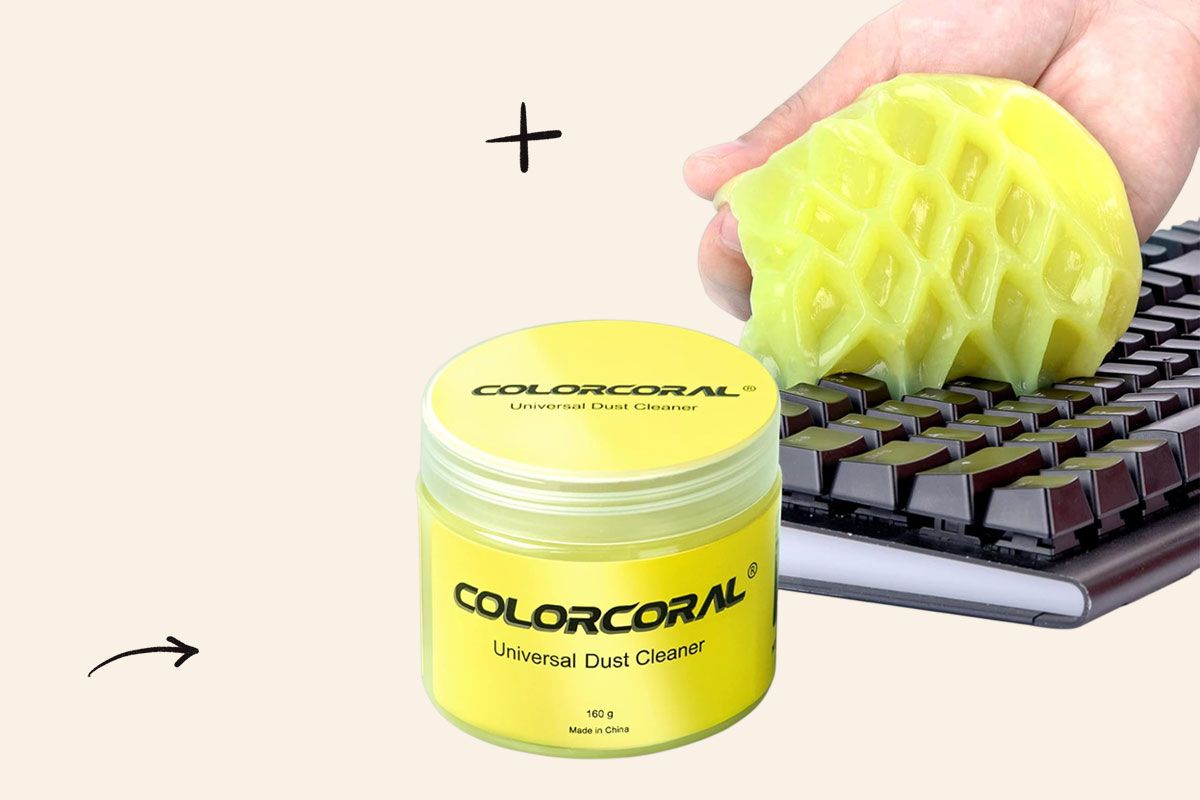
Cleaning gel
Gel is a quick option for adhering to and picking up as much dust as possible without doing much work on your end. It also feels a little arts and crafts adjacent. Just roll the gel over your keyboard, making sure it touches all the keys and spaces in between. As you peel it back, it takes with it all the dust and crumbs in its path. You can also use cleaning gel for de-dusting the AC vents in your car.
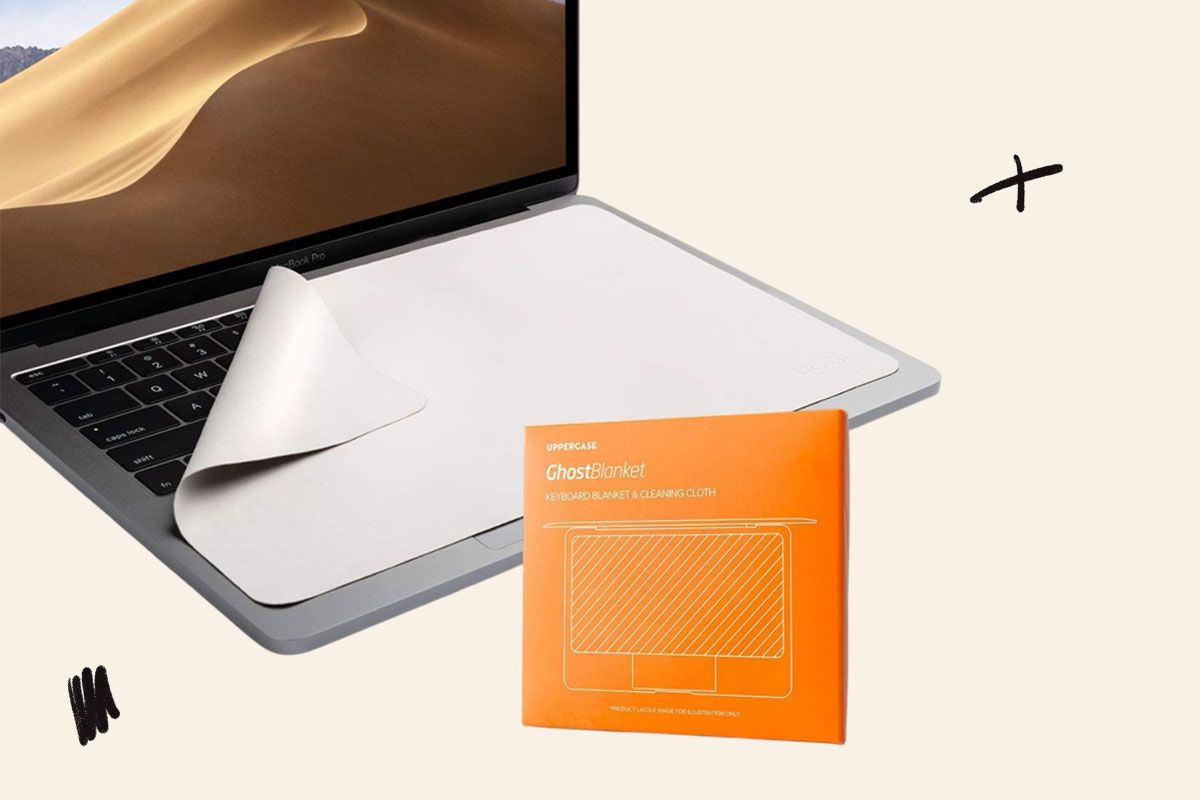
Microfiber Liner and Cleaning Cloth
You want to avoid using abrasive cloths like paper towels on your keyboard and computer screen. Instead, a microfiber towel is gentle and still a good tool for a quick wipe-down. You can also leave it on top of your keyboard when you close the lid of your laptop to block dust buildup. For disinfecting, add a small amount of isopropyl or rubbing alcohol. Make sure to squeeze the towel to remove any excess liquid so it’s only lightly damp before wiping down your keyboard.

Reader Favorites



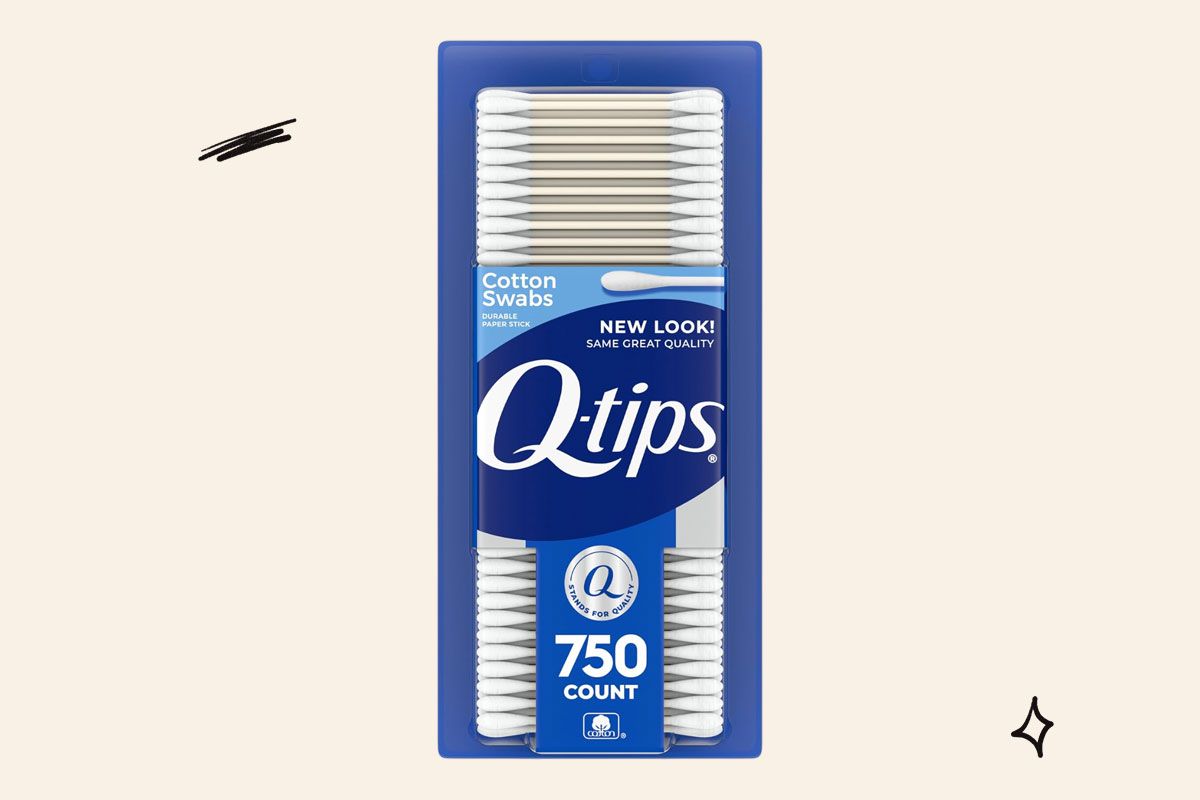
Cotton swabs
You can repurpose the cotton swabs you likely already have in the bathroom. Run a dry swab gently between the keys to remove dust or use isopropyl or rubbing alcohol. Like I mentioned above, you should remove excess liquid first so you don’t get drops of alcohol on the keyboard while you’re disinfecting.
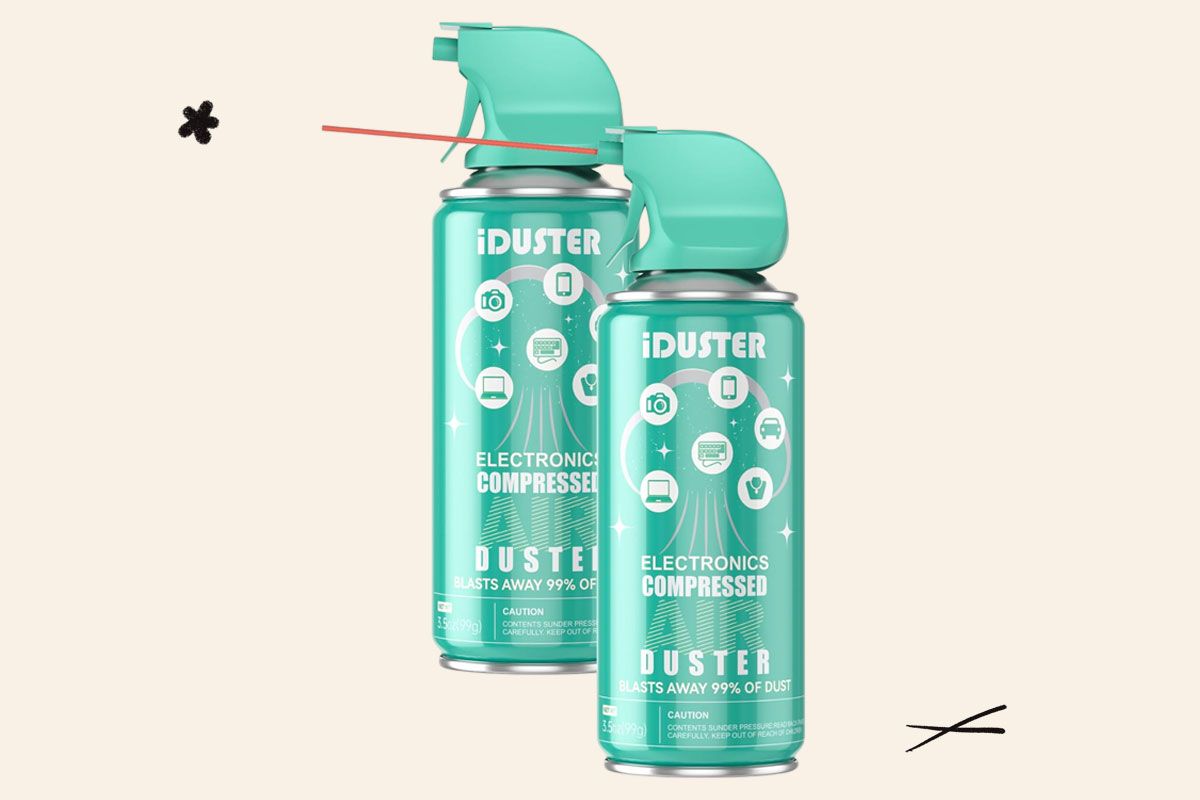
Compressed Canned Air Duster
Compressed air dislodges dust from under the keys that otherwise could cause them to stick or become unusable altogether. If you have a Mac, Apple has directions for how to spray it safely, positioning the computer at a 75-degree angle. You may want to look up what your computer brand recommends specifically, but generally, use the included straw on the can nozzle, keeping the tip about half an inch away from the keyboard while spraying.
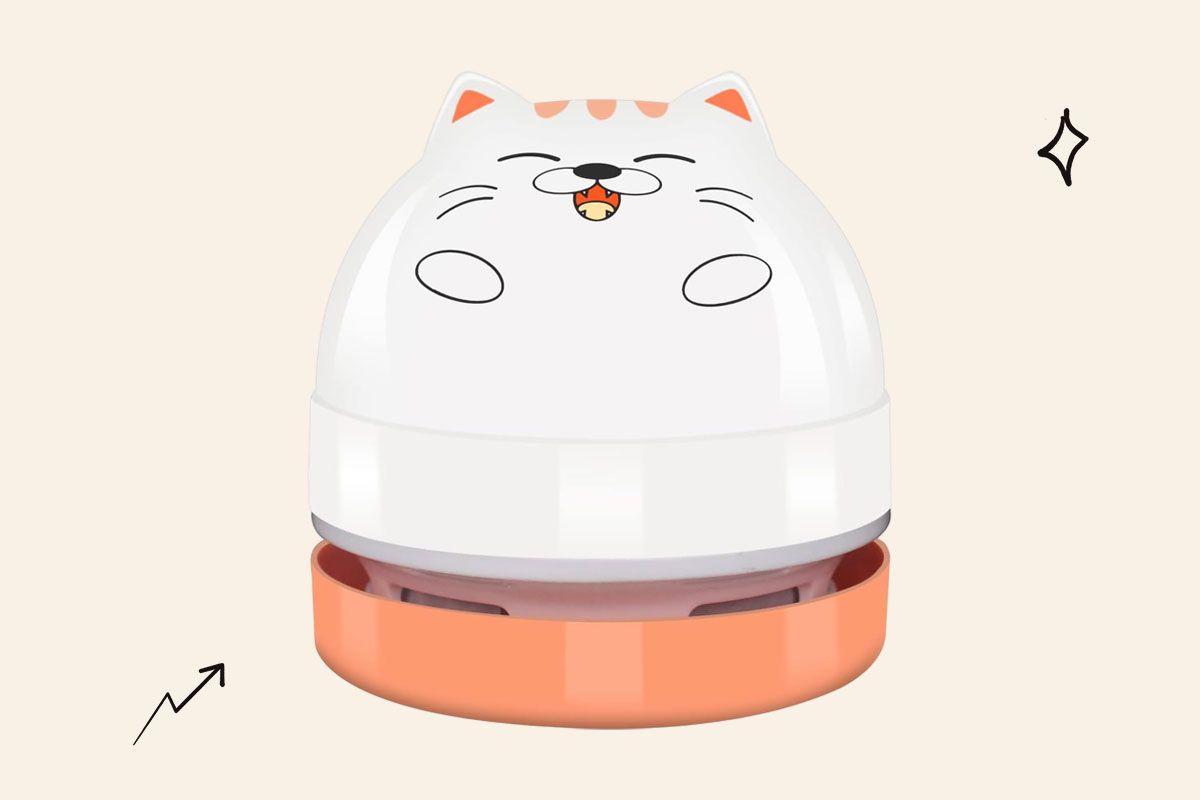
Mini desktop vacuum
Bring a little bit of whimsy to your computer setup with this mini cat desk vacuum. Roll it over your desk to pick up crumbs and paper bits, and use the nozzle attachment to direct it between the keys. It charges via USB, which you can connect right to your computer.
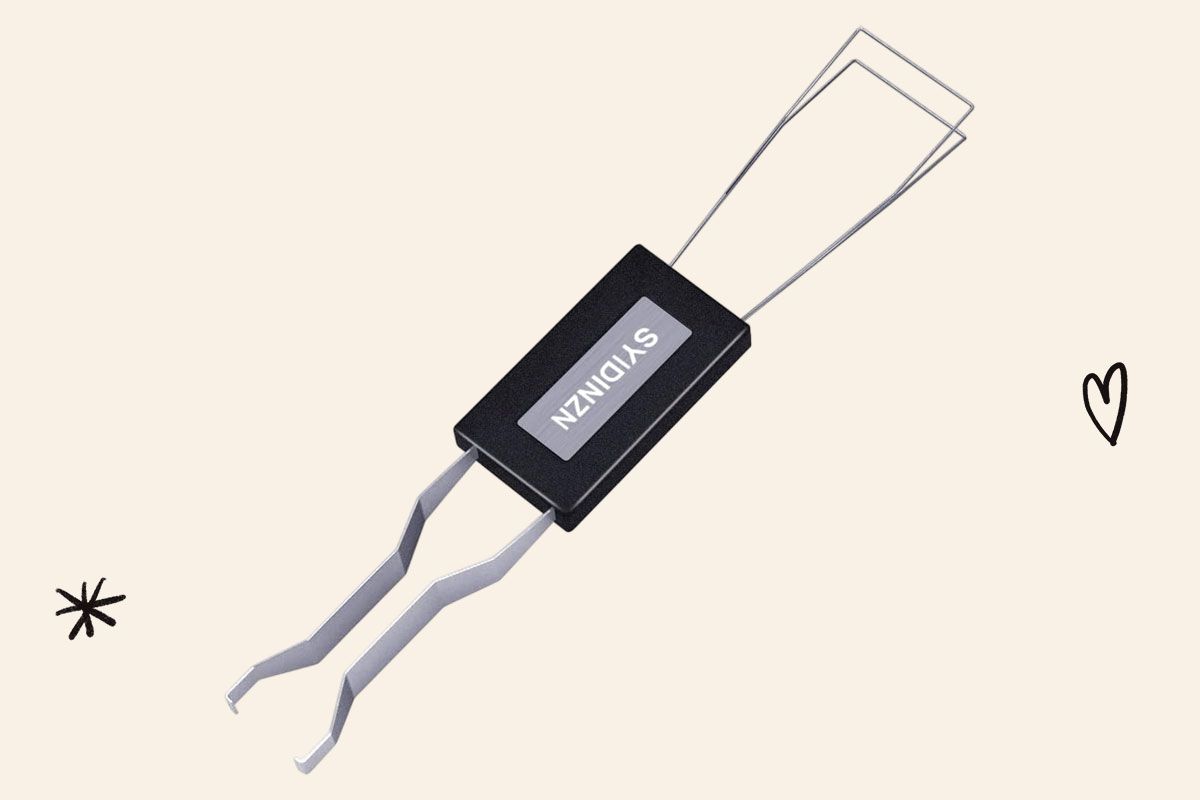
Keycap Puller
If you have a mechanical keyboard, it’s a good idea to remove the keys every so often to really clean out dust and crumbs from every crack. Use this key remover tool, and then gently rub with any of the brushes or towels mentioned above.
More From Our Network
Better Report is part of Inbox Studio, an email-first media company. *Indicates a third-party property.







Julia Rittenberg is a culture writer and content strategist driven by a love of good stories. She writes most often about books for Book Riot. She lives in Brooklyn with a ton of vintage tchotchkes that her cat politely does not knock over.
This article is for general informational purposes only.
Affiliate Disclaimer Medical Disclaimer Financial Disclaimer