7 iPhone Features That Make Life Easier


We spend hours every day browsing social media, texting friends, and playing games on iPhones that are never out of arm’s reach — but even those who use their smartphones nonstop may not realize all the bells and whistles they have. Several “secret” iPhone features are difficult to find unless you know where to look for them. These hidden apps will revolutionize how you use your phone, so unlock your iPhone now to give them a try.
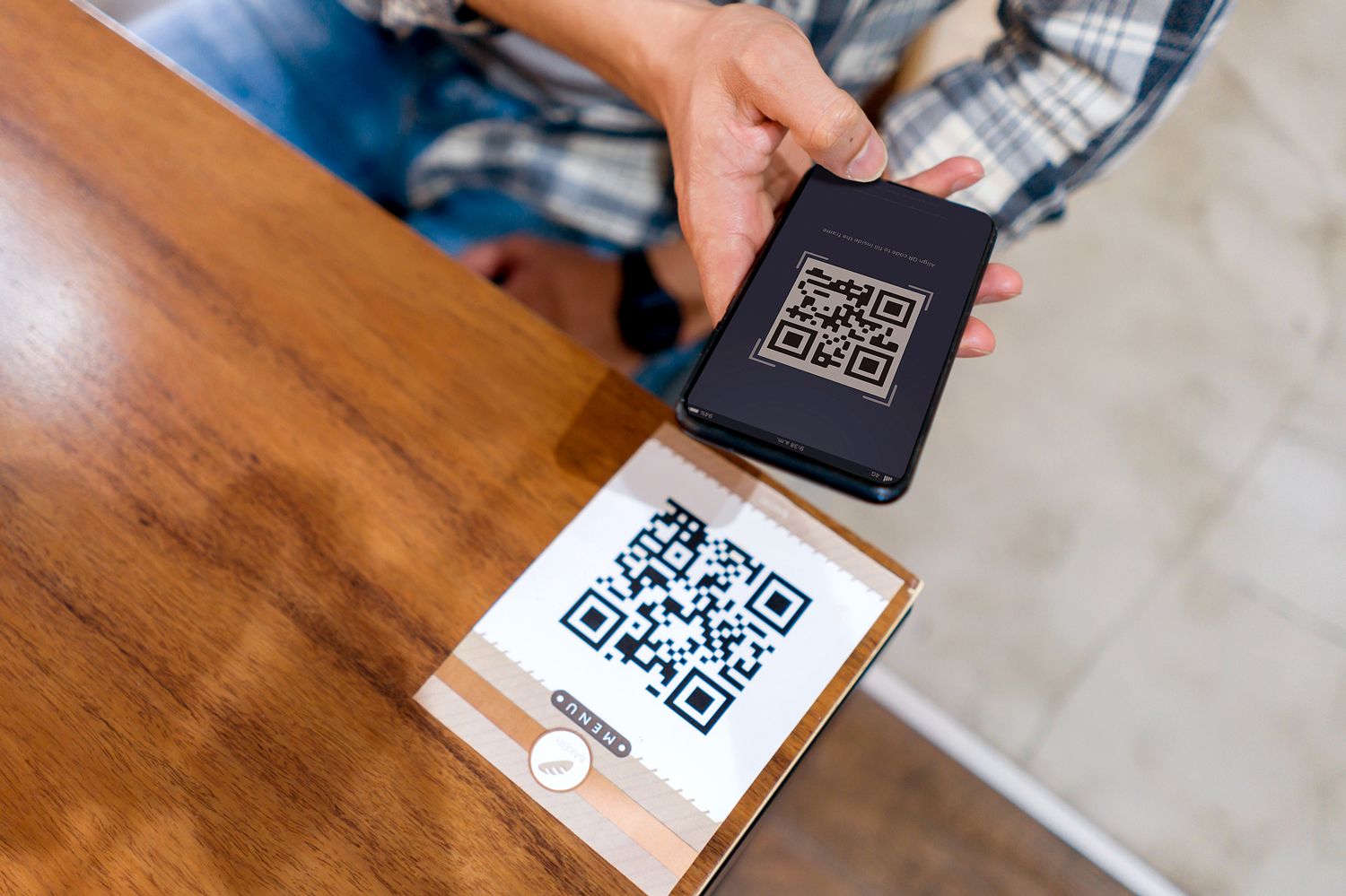
Code Scanner
The iPhone camera app already has a built-in QR code reader, but it requires users to carefully tap their screen in the exact right place to open a link. Code Scanner streamlines the process: Whenever it detects a QR code, the app automatically opens the corresponding link in your browser. To activate Code Scanner, go to Settings and click on Control Center. You can then add Code Scanner to your swipe-down menu for easy access at restaurants, parking lots, and social events.
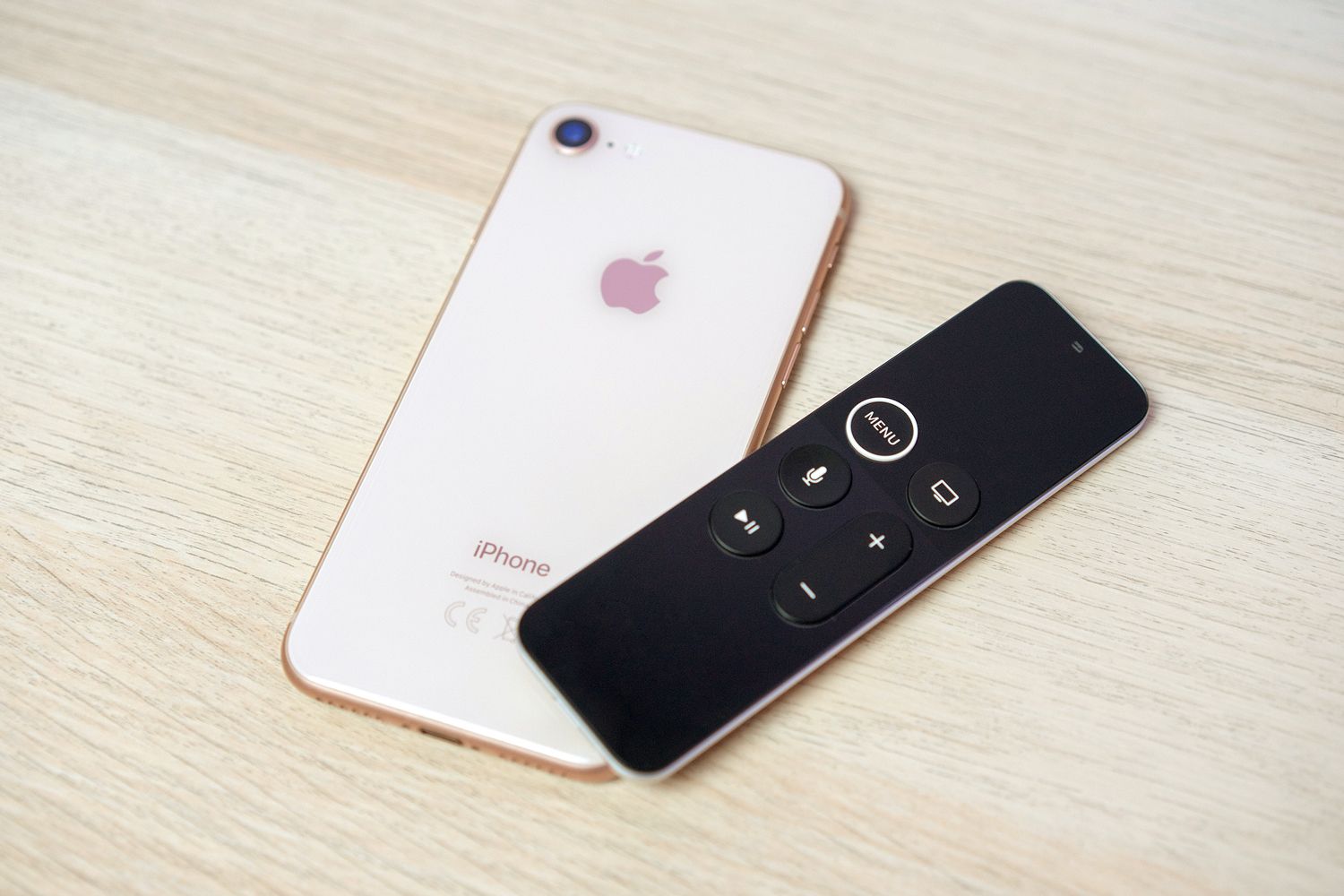
Apple TV Remote
You can completely eliminate the need for a separate remote control by controlling Apple TV straight from your iPhone. To set up this feature, ensure your iPhone and Apple TV are connected to the same Wi-Fi network. Go to Settings and click on the Control Center tab. Add the Apple TV Remote app, open it, and tap to pair it with your Apple TV device. You can now use the Apple TV Remote app to browse the full media catalog available and pause and play shows.

Print Center
Each iPhone comes pre-programmed with AirPrint technology, allowing you to easily print high-quality images and documents without downloading additional software. To use Print Center, ensure your iPhone is connected to the same Wi-Fi network as a nearby printer. Open the document you want to print, click the share icon, and press print to connect the phone to any available printers. You can also use the app to check the status of any ongoing print jobs or to cancel them.
Recommended Articles

Reader Favorites



Field Test
Use the Field Test application to measure your cell phone’s signal strength and quality. Call *3001#12345#* on your keypad to open the Field Test app. This app contains all the information you need to know about and troubleshoot your phone’s cell connection, including the network you’re connected to and the current strength of your signal.

Magnifier
Reading small text can be challenging enough without trying to do it on a tiny iPhone screen. This is what makes the iPhone’s Magnifier application so handy. Once activated, this app uses the phone’s built-in camera, making it easy to zoom in on tiny text and anything else you’d like to examine up close on your phone screen. To use it, click Settings, General, and then navigate to Accessibility to locate the Magnifier app.

Robocall Silencer
Robocalls can be a constant nuisance, but your iPhone has a hidden feature that can help prevent them. Go to Settings and select the Phone tab. Once there, you can enable a feature called Silence Unknown Callers to send all unknown phone numbers directly to voicemail.

Share Location
Knowing where you’re supposed to meet up with family and friends in a crowded public space can be challenging. Thankfully, iPhones have a built-in Share Location feature that allows them to share. Enable your location permissions before opening a text conversation with the person you’re trying to meet. Type “I’m at” and a “Current Location” bubble will suddenly appear. Click “Current Location” and hit send to show your exact location to your friend.
Featured Image Credit: Milko/ iStock
More From Our Network
Better Report is part of Inbox Studio, an email-first media company. *Indicates a third-party property.







Bennett Kleinman is a New York City-based staff writer for Inbox Studio. He is also a freelance comedy writer, devoted New York Yankees and New Jersey Devils fan, and thinks plain seltzer is the best drink ever invented.
This article is for general informational purposes only.
Affiliate Disclaimer Medical Disclaimer Financial Disclaimer